How To Link Your Instagram To TikTok For Maximum Profile Visibility
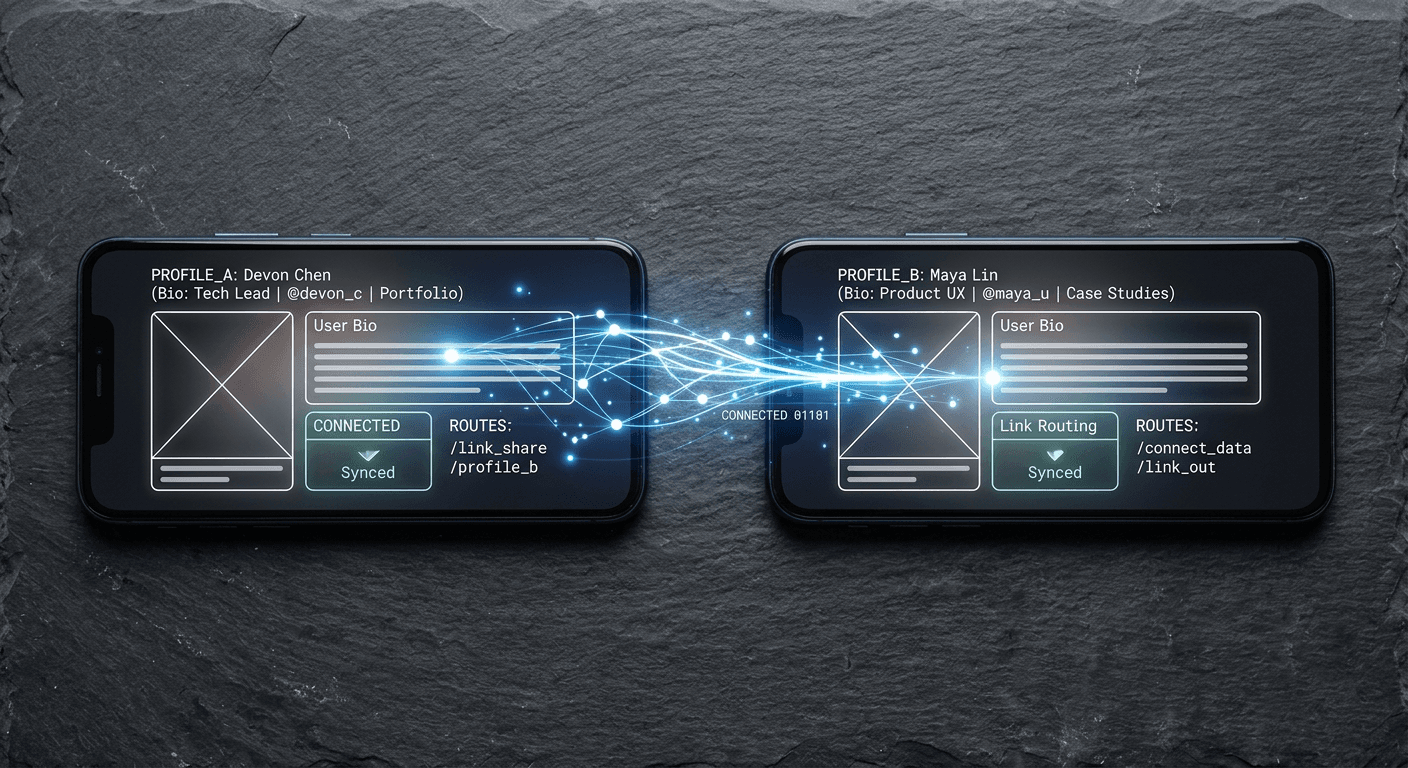
Many creators assume that hitting a viral view count on a short-form video automatically guarantees a surge in cross-platform followers, only to watch a million views translate into zero profile clicks. The reality is that platform algorithms actively build walls to keep users from leaving their ecosystems, making audience transfer incredibly difficult if you only rely on a text callout in a caption. Understanding how to link your instagram to tiktok effectively requires more than just dropping a handle in your bio; it demands a structured approach to routing traffic that minimizes friction, captures the user before they scroll past, and forces the destination app to open natively rather than trapping the user in a locked browser.
Quick Summary
Connecting your short-form video audience to your photo-sharing profile requires configuring native API integrations or deploying a centralized link management system. A properly engineered setup prevents audience drop-off and ensures that high-performing content drives measurable external growth rather than isolated vanity metrics.
- Convert personal accounts to business profiles to bypass the 1,000-follower requirement for outbound links.
- Authenticate the native social integration to force deep-linking into the destination app.
- Deploy a dedicated custom landing page when managing multiple campaigns, storefronts, or digital business cards.
- Track outbound click rates to identify exactly which videos actually drive external traffic.
Table of Contents
- 1. Understand how to link your instagram to tiktok structurally
- 2. Connect the native social integration via API
- 3. Deploy a centralized custom landing page
- 4. Map the user journey from video to bio
- 5. Implement UTM tracking and pixel analytics
- Common Pitfalls & Troubleshooting
- FAQ
- Recommended Reads
1. Understand how to link your instagram to tiktok structurally
Before you attempt to bridge two entirely different social ecosystems, you must evaluate the account architecture currently active on your device. The host platform strictly segments user profiles into Personal and Business categories, and these back-end designations dictate exactly which outbound linking tools you are permitted to use.
Why personal profiles restrict your routing options
If you operate a Personal account, the platform actively restricts external traffic mechanisms. This keeps users scrolling the algorithmic feed. Specifically, Personal accounts cannot activate the dedicated, clickable website field. They must first cross a hard threshold of 1,000 followers. Practitioners often make a mistake here. They force a raw URL into the standard bio description box before reaching this metric. When you paste a web address into the text field, the application renders it as flat, unclickable text. Users cannot tap it. Very few will manually highlight, copy, and paste that text string into a separate mobile browser.
To resolve this structural barrier immediately, you must convert your account type. Navigate to your application settings, select the account management tab, and switch to a Business Account. This conversion immediately unlocks the website field regardless of your current follower count.
However, you must acknowledge the operational trade-off. Business Accounts lose access to the mainstream commercial music library due to strict licensing restrictions, limiting your content creation to a cleared commercial audio library. You must weigh the financial value of outbound traffic against your reliance on trending, copyrighted audio. If your growth relies entirely on viral sound trends, you must earn the 1,000 followers organically on a Personal account first. If you are operating an online store, the immediate ability to route traffic makes the Business Account conversion mandatory.
2. Connect the native social integration via API
The most direct method for audience transfer involves the built-in OAuth handshake between the two platforms. This native integration bypasses the standard bio link entirely, placing a dedicated, recognizable camera icon directly next to your follow button.
How native links reduce user friction
When figuring out how to add instagram link to tiktok bio fields, many users simply paste their profile URL into the standard website slot. This approach fundamentally breaks the user experience. A standard web link forces the destination profile to open inside a limited, in-app browser - known as a WebView. WebViews rarely retain user session cookies, meaning your audience will be asked to log in again before they can follow you. Almost every user abandons the funnel at a login screen.
Practical rule: Always authenticate the social connection while actively logged into both respective mobile applications on the same physical device to prevent token expiration errors during the API handshake.
Instead of a raw web link, use the native social connection. Go to the profile editing screen and locate the specific