How to link your Instagram to TikTok and sync your social media profiles in 2026
Building a cohesive digital presence requires seamless connectivity between your various social media channels. By funneling traffic effectively between platforms, you ensure that followers on one network can easily discover and engage with your content elsewhere. This strategic integration is essential for creators and small business owners looking to maximize their reach and convert casual viewers into dedicated community members.

Quick Summary
Linking your Instagram to your TikTok profile enables cross-pollination of your audience, driving traffic from short-form video discovery to your broader visual portfolio. This integration is achieved through native platform settings or centralized landing page tools, ensuring a frictionless user experience.
- Use the native TikTok "Instagram" integration in profile settings.
- Utilize link-in-bio tools to consolidate multiple social destinations.
- Place active links in your biography area for high visibility.
- Use custom calls-to-action to encourage click-throughs.
Table of Contents
- Native Integration Methods
- Leveraging Link-in-Bio Solutions
- Best Practices for Cross-Platform Traffic
- Common Pitfalls & Troubleshooting
- FAQ
- Recommended Reads
Native Integration Methods
TikTok provides a built-in feature designed to bridge the gap between its short-form video interface and your Instagram profile. To perform this, navigate to your TikTok profile and tap the "Edit profile" button. Within the profile settings menu, you will find a dedicated section for social accounts. Selecting "Instagram" will prompt you to authenticate your account via the standard login process. Once authorized, an Instagram icon will appear directly on your profile, allowing users to navigate to your page with a single tap.
Understanding how to add your Instagram to your TikTok bio natively is straightforward, but it is limited to a direct link. This approach is highly visible and signals legitimacy to your viewers, as it demonstrates that your accounts are officially connected. However, this native button replaces or sits alongside other potential links, so it is best used when you want to prioritize Instagram as your primary secondary destination.
Leveraging Link-in-Bio Solutions
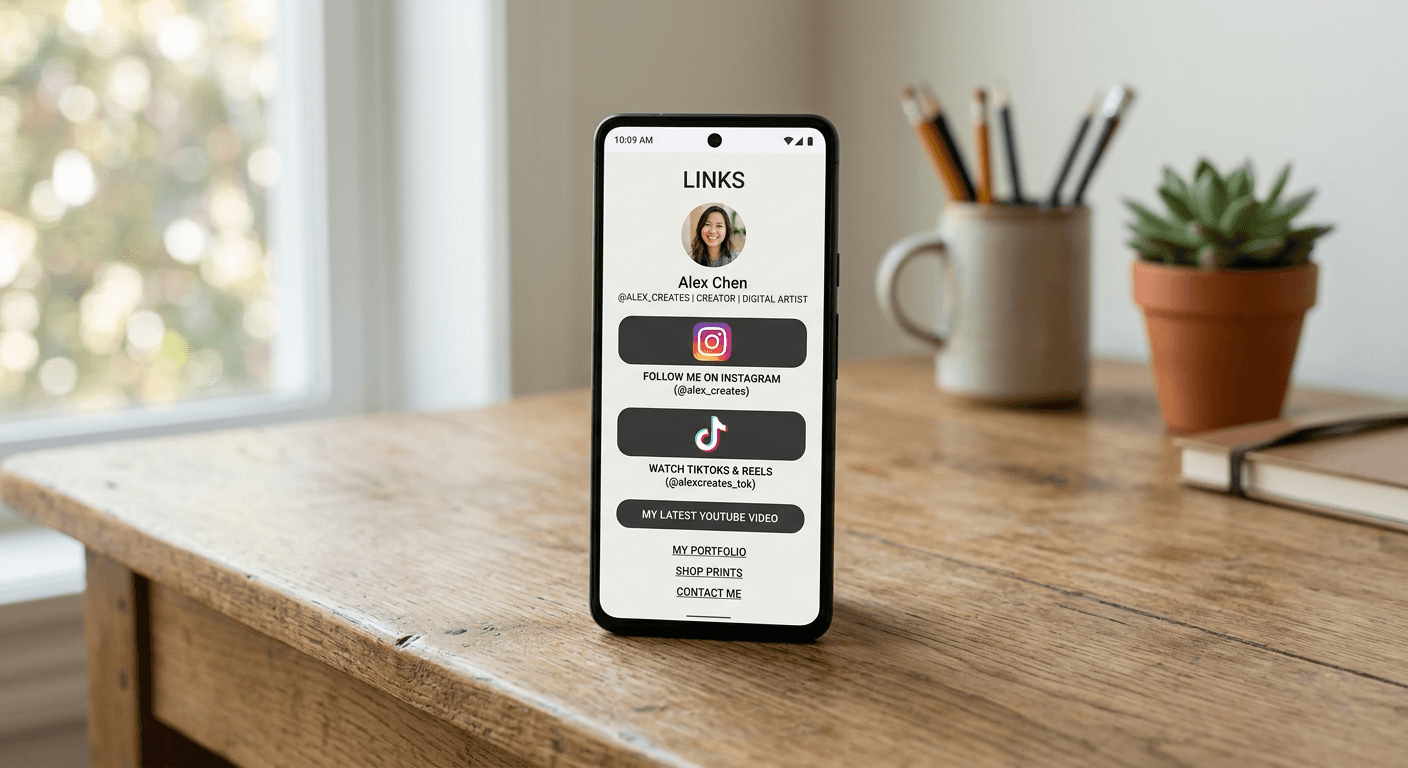
For creators managing multiple digital assets, a single button might be insufficient. This is where a professional link in bio platform becomes indispensable. By using a consolidated landing page, you can host your Instagram link alongside links to your online store, newsletters, or other social profiles. This ensures that you are not forced to choose between promoting one channel over another.
When you add an Instagram link to your TikTok bio using a landing page service, you create a "hub" that organizes your digital identity. The mechanics involve creating a custom-branded page where you embed individual buttons for your various platforms. You then copy the URL of your landing page and paste it into the "Website" field of your TikTok profile. This method provides the added benefit of detailed click analytics, allowing you to track exactly how many users move from your TikTok videos to your other platforms.
Best Practices for Cross-Platform Traffic
Simply placing a link is rarely enough to drive significant engagement. You must actively direct your audience to your bio. Mention your Instagram content in your TikTok videos, particularly when the video is a teaser or a "behind-the-scenes" clip that complements your Instagram aesthetic. Clear, verbal, or text-based calls-to-action (CTAs) are critical; tell your audience exactly why they should click the link.
Pro Tip: Keep your landing page organized by prioritizing the links that drive the most value for your specific business goal, placing your most important Instagram content or specific profile link at the top of the list.
Consistency in branding across both platforms is equally vital. When a user clicks through from TikTok to Instagram, the visual transition should feel seamless. Ensure your profile photos, bio descriptions, and overall content style are aligned so that the transition does not feel jarring to the user, which can lead to higher bounce rates.
Common Pitfalls & Troubleshooting {#common-pitfalls-&-troubleshooting}
A common issue users face is the "link not appearing" or the Instagram button disappearing after an update. If this happens, try disconnecting and reconnecting your account through the TikTok "Edit profile" social settings. Sometimes, cache issues on the mobile app can prevent the button from refreshing, so clearing your app cache or checking for updates in your device's app store is a recommended first step.
Another frequent mistake is failing to set your profile to "Public." If your accounts are private, the integration may not function correctly, or users may be unable to see your content even after clicking the link. Always verify that your profile visibility settings are set to public to ensure that traffic flowing from TikTok to Instagram results in actual views and engagement rather than a "page not available" error.
FAQ
Can you link TikTok to Instagram natively?
Yes, TikTok allows you to link your Instagram profile directly through the "Edit profile" section under the social accounts category. This adds a clickable icon to your TikTok profile header.
Should I use a landing page or the native link?
It depends on your goals. If you only want to promote your Instagram, the native link is sufficient. If you want to drive traffic to multiple destinations, a landing page service is more efficient.
Will linking my accounts affect my video reach?
No, linking your accounts is a functional setting that does not negatively impact your algorithmic reach on either platform.
What if the Instagram link doesn't show up after I set it up?
Ensure your app is updated to the latest version and verify that you have authorized the connection via the Instagram login prompt. If the problem persists, try logging out and logging back into your TikTok account.