How to Link Social Accounts for Maximum Cross-Platform Reach in 2026
Most creators and small business owners realize their digital presence is fractured the moment they launch a new product, only to find they have to manually update individual bio URLs across Instagram, TikTok, LinkedIn, and X. If you update one but forget the others, you are sending active audiences to dead ends or outdated promotions. The fix is not manually copying and pasting URLs every time you run a campaign. The fix is setting up a centralized architecture to link social profiles into a single, trackable destination. When you route traffic through one dedicated hub, you stop losing users to outdated destinations and start measuring exactly which platform drives your actual revenue.
Quick Summary
A centralized routing architecture uses a dedicated landing page to house all your active campaigns, storefronts, and content. Instead of managing dozens of individual URLs across platforms, you direct all profile traffic through one master destination, capturing analytics and reducing friction for your audience.
- Audit existing URLs to identify active traffic endpoints.
- Deploy a dedicated mobile-first hub to route visitors.
- Attach UTM parameters to measure platform-specific conversions.
- Standardize your bio layout to train audiences where to click.
Table of Contents
- 1. Map where you link social accounts today
- 2. Establish a single digital link architecture
- 3. Configure tracking parameters across platforms
- 4. Optimize the mobile routing experience
- Common Pitfalls & Troubleshooting
- FAQ
- Recommended Reads
1. Map where you link social accounts today
Fragmented profiles dilute your conversion data
You cannot consolidate a traffic network that you have not fully inventoried. Most practitioners assume they only need to update the primary video platforms, leaving legacy accounts and secondary profiles untouched. When a potential customer finds an old post on a neglected platform, the URL in that bio often points to a 404 error or an expired promotional page.
The mechanical fix requires mapping your entire surface area. Create a centralized ledger - a simple spreadsheet works well - tracking every active profile, the specific URL currently occupying its bio field, and the original purpose of that destination. You must manually check platforms beyond the obvious ones: visual pinboards, legacy microblogging accounts, local business directory listings, and even email signatures.
For an accurate audit, use an incognito browser window. Social media platforms often display a different interface to logged-in administrators than they do to public visitors. They sometimes mask broken links behind editable fields. Document exactly what the current link promises the user. This ensures you do not break existing funnels when you switch to a unified destination.
The core mistake people make during this phase is treating all profiles as identical traffic sources. A business-focused platform requires a different routing priority than a visual platform. If you map the URLs without logging the context of the audience on that specific platform, you will struggle to design a hub that serves all of them.
2. Establish a single digital link architecture
Relying on native bio fields limits your routing capacity
Native profile settings usually restrict you to a single clickable URL. This hard limitation forces a constant trade-off: do you promote your newest video, a newsletter signup, or a direct product checkout? Swapping a solitary digital link every few days breaks your historical content. Anyone discovering a post from three weeks ago will click the current bio link and find something entirely unrelated to the content that drove them there.
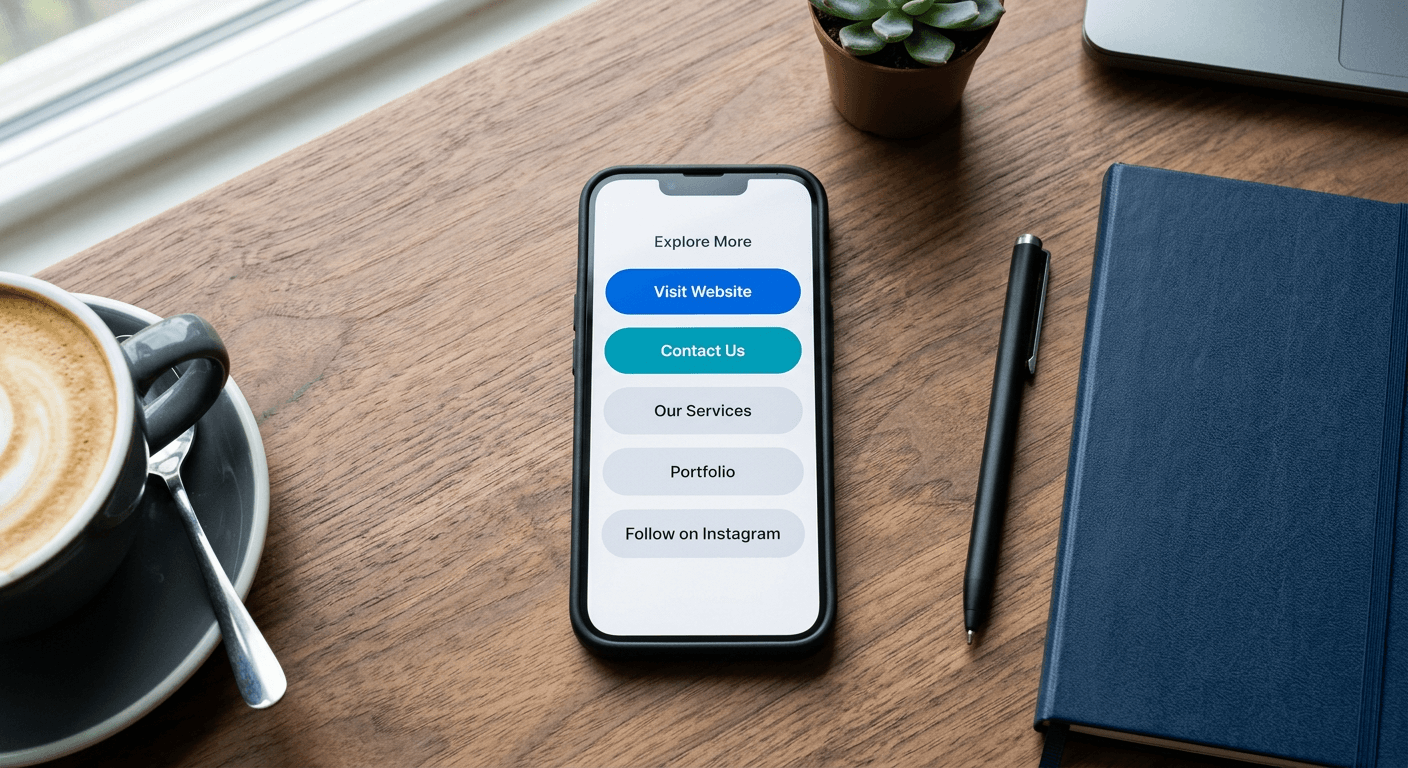
The solution is deploying a micro-landing page designed explicitly for routing. This dedicated page acts as an intermediary layer between the social platform and your final conversion endpoints. Instead of pasting a product page directly into your profile, you paste the URL of your routing hub. Within that hub, you present the user with a focused list of your active destinations.
The visual hierarchy of this page dictates your conversion rate. Eye-tracking behavior on mobile devices confirms that the uppermost button receives the overwhelming majority of clicks. Therefore, your current primary campaign must always occupy the top slot, contrasting in color from the rest of the page to draw immediate focus.
The failure mode here is treating the routing hub like a full website navigation menu. Users arriving from a short-form video have minimal intent and a highly fragile attention span. If they land on a page packed with twenty different options, choice paralysis takes over and they abandon the session immediately.
Practical rule: Limit your primary routing page to no more than five active destinations at any given time to prevent choice paralysis and maintain high click-through rates.
3. Configure tracking parameters across platforms
Untracked traffic is impossible to scale or optimize
If you simply paste your master routing URL into every profile without modification, your analytics dashboard will fail you. Because social media apps often strip referral data when handing off traffic to a browser, visits from your profiles will typically show up in your reports as "Direct" or "None". Without granular data, you have no mechanical way to determine whether a spike in sales came from a viral video or a text-based post.
The correction requires appending UTM (Urchin Tracking Module) parameters to your master URL before you place it into a specific platform's bio field. You use utm_source to identify the network, and utm_medium to specify the profile or placement. For example, the URL placed in your video app profile should end with ?utm_source=tiktok&utm_medium=bio, while the one in your professional network uses ?utm_source=linkedin&utm_medium=bio.
Once you append these tags, you must verify them. Open your analytics software's real-time reporting dashboard, click the tagged URL from your own device using cellular data, and watch the event populate. If the source does not immediately register as the specific network you tagged, the syntax is broken and requires adjustment before deployment.
The mistake practitioners make is deploying inconsistent naming conventions. If you label one source "ig", another "Instagram", and a third "insta" over the course of a year, your analytics software will treat them as three distinct traffic channels. This fragmentation forces you to manually compile data in spreadsheets just to see your total reach. Establish a strict, lowercase naming convention for your tracking parameters from day one and stick to it.
4. Optimize the mobile routing experience
Desktop-first design breaks the social media handoff
Virtually all clicks generated from a profile happen inside an in-app browser on a mobile device. These in-app browsers are heavily restricted environments: they often lack the processing power of a dedicated mobile browser, they struggle with complex scripts, and they severely penalize slow loading times. If your routing hub takes more than three seconds to render, the user will swipe back to the feed before they ever see your buttons.
To secure the handoff, the page must be ruthlessly optimized for mobile rendering. This means stripping out heavy background videos, compressing image assets to the absolute minimum viable resolution, and using high-contrast, thumb-friendly buttons with ample tap targets. Specifically, avoid relying on viewport height (100vh) CSS measurements, as the browser UI bars in popular social apps dynamically resize and will cause your page layout to jump or hide critical buttons off-screen. Use standard pixel padding instead.
You must physically test the loading experience by opening the page inside the actual app environments, rather than relying on the mobile emulation tools found in desktop web browsers.
A common failure here is relying on complex web animations or third-party widgets that require heavy JavaScript execution. These scripts frequently fail to execute within the strict confines of an in-app browser sandbox, resulting in a blank page or a frozen interface. Keep the architecture lightweight. The goal of this page is not to keep the user lingering; the goal is to route them to their final destination as quickly and reliably as possible.
Common Pitfalls & Troubleshooting
When your routing architecture fails, the symptoms often look identical from the outside: traffic drops off between the social media app and your final destination. Accurately diagnosing the drop-off requires checking specific mechanical failures in the chain. The silent block by an in-app browser is overwhelmingly the most common real cause.
The in-app browser SSL block
Symptom: The social media platform reports hundreds of clicks on your bio, but your analytics software records near-zero sessions for that source. Fix: The platform's internal browser is likely silently blocking the page load due to a missing or misconfigured SSL certificate. In-app browsers enforce stricter security protocols than standard mobile browsers and will often refuse to load an HTTP connection without warning the user. Verify your domain's SSL certificate chain using a dedicated checker tool.
UTM parameter stripping via redirect
Symptom: Traffic successfully arrives at your final destination, but your analytics dashboard categorizes the influx entirely as "Direct", despite you carefully appending tracking tags to the initial URL.
Fix: Your routing hub or domain registrar is executing a server-side redirect that drops query strings. When the redirect strips the ?utm_source tag, the analytics software loses the context of the visit. You must configure your routing platform or DNS settings to pass parameters through the redirect. Test this by pasting your tagged URL into a browser and ensuring the tags remain visible in the address bar after the final page loads.
The infinite loop redirect
Symptom: Users tap the URL in your profile and the screen flashes, but they are immediately bounced back to the social media feed without ever seeing the routing hub. Fix: You have accidentally pasted the social profile's own URL into one of the priority buttons on the landing page, and a tracking pixel or aggressive auto-redirect is misfiring upon load. When the user opens the hub, the page attempts to instantly route them back to the app they just left. You must audit the specific destination URLs configured on the landing page itself to ensure none of them create a closed routing loop.
The persistent cache trap
Symptom: You update the destination URL inside your routing tool, but users clicking from a specific social app are still arriving at yesterday's campaign page.
Fix: The social media platform's internal servers have aggressively cached the previous version of your routing page to save bandwidth. When a user clicks, the app serves its stored snapshot rather than pulling the live page from your server. You can force the platform to fetch the newest version by appending a meaningless query string, such as ?v=2, to the end of your master URL within the social profile bio. This tricks the platform into recognizing it as a new destination and bypassing the cache.
FAQ
Does routing traffic through an intermediary hub hurt search engine optimization?
No. A dedicated routing page functions as a standard web document. While social media links generally carry "nofollow" attributes and do not pass direct authority to your routing page anyway, the presence of the hub does not negatively impact the SEO of your main website. Providing a clean, mobile-optimized path reduces bounce rates on your primary domain.
How often should the destinations on a routing page be updated?
You should update the buttons whenever your primary conversion goal changes, but you must leave evergreen links intact. Constantly swapping out every button confuses returning visitors who expect to find a specific resource they saw mentioned in an older post. Keep your top two buttons dynamic for current campaigns, and lock the remaining slots for permanent funnels like contact forms or core product lines.
Can I track specific button clicks on the routing hub itself?
Yes, provided your infrastructure supports event tracking. By attaching individual analytics events or utilizing a tool with built-in click monitoring, you can measure exactly which destinations receive the most attention. This data is critical for determining which buttons to swap out when engagement drops.
Why do my URLs sometimes trigger social media spam warnings?
Platforms aggressively flag generic shorteners or newly registered domains with zero trust history to prevent phishing. If your routing hub uses a shared domain that has been abused by other users, the platform may intercept the click with a warning screen. Securing a custom domain for your routing architecture establishes independent trust and prevents you from being penalized for the behavior of others sharing a generic domain.