Building a Single Link on Bio Instagram Users Can Click and Convert
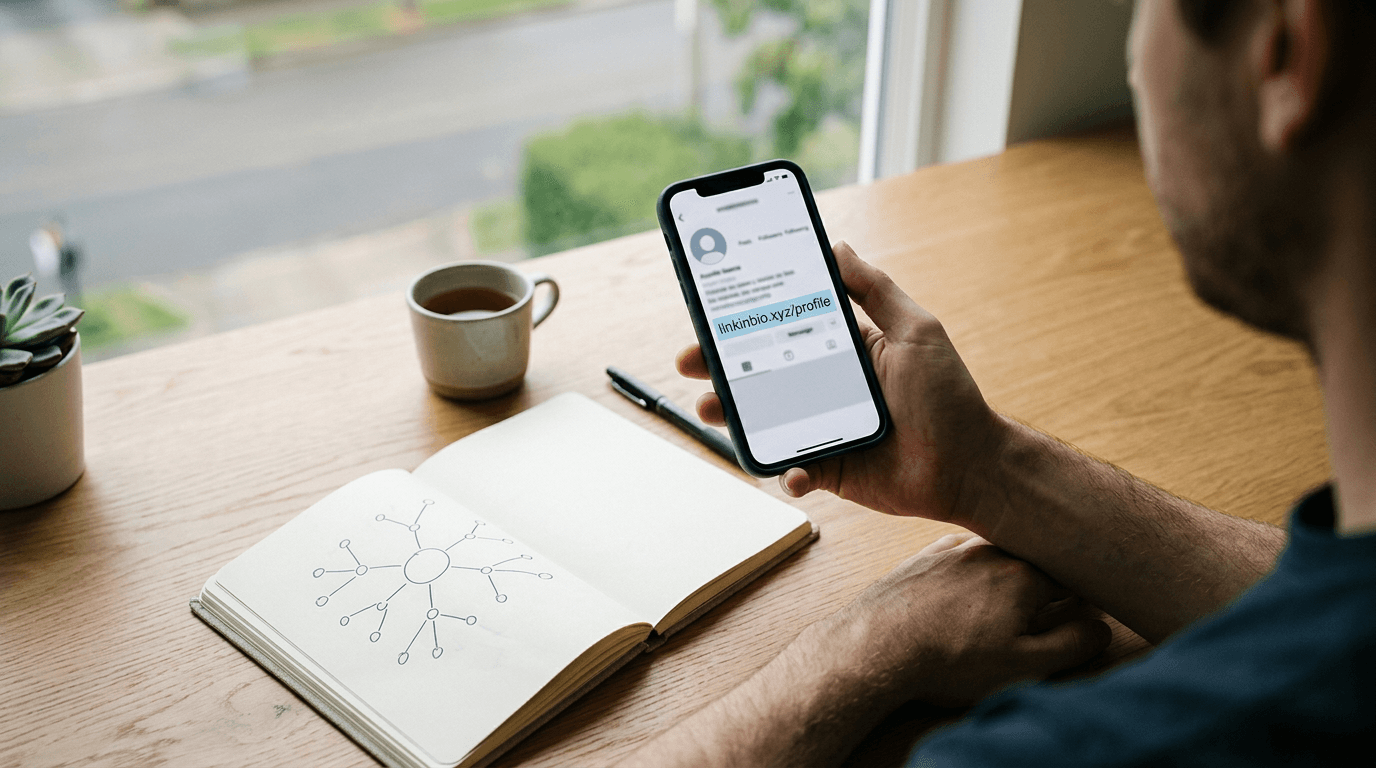
A social media manager finalizes a product launch post, writes a detailed caption, and publishes it - only to realize the complex product URL at the bottom is rendering as plain, unclickable text. The platform deliberately restricts external links in post captions to keep users inside its ecosystem. When you attempt to route an audience from a single feed post to a multi-page product catalog, you quickly hit a structural wall. Building a dedicated link on bio Instagram users can tap is the only native mechanism to pull a captive audience out of the feed and into an owned conversion funnel. This is not about pasting a bare homepage URL. It requires configuring a central routing hub that manages traffic, supports custom branding, houses digital business cards, and tracks audience behavior. This article breaks down the technical execution of establishing, testing, and maintaining that single exit point without breaking the mobile user experience.
Quick Summary
Setting up a bio connection requires mapping a dedicated routing page that consolidates your digital presence, generating a tracking-enabled URL, and accurately placing it within the platform's profile settings. This approach prevents traffic drop-off and maintains analytics visibility when users transition from the social feed to an external browser.
- Map destination logic before altering profile fields to prevent navigation dead ends.
- Append source tracking parameters to survive the transition out of the platform.
- Place the URL strictly in the designated website field, not the general text area.
- Test the resolution strictly within the application's native mobile browser.
Table of Contents
- 1. Map Your Routing Logic First
- 2. Generate the Destination URL
- 3. Place the Link in Your Profile
- 4. Test Cross-Platform Resolution
- 5. Track Audience Behavior Post-Click
- What Breaks First
- FAQ
- Recommended Reads
1. Map Your Routing Logic First
You cannot place a dozen different URLs in a standard social profile. Because the platform restricts you to a primary exit point, you must design a destination page that acts as a traffic router. Dropping a raw connection to a corporate homepage forces the user to hunt for the specific product or service they just saw in a photo. That friction immediately drives abandonment.
A dedicated routing landing page sits between the social application and your actual website. It presents a customized menu matching the visual hierarchy of your recent posts. Before you touch your profile settings, categorize what your audience actually clicks. Content creators typically need priority placement for recent videos and digital business cards, while online stores require direct paths to specific product variants and seasonal campaigns.
Consolidating these paths into one location avoids the cost and complexity of building bespoke landing pages for every individual social campaign. Maintaining separate hosting, custom web design, and standalone analytics tools requires heavy overhead. A unified routing approach bypasses this by operating as a single, fast-loading hub.
The failure mode here is choice paralysis. If you load a landing page with thirty competing buttons, the user closes the window. Limit the top-level options to your five most critical conversion paths. Every secondary service, older video, or extended menu belongs below the fold or in a nested structure.
2. Generate the Destination URL
Once the landing page is designed, you must generate the exact string that will sit in your profile. Do not pull the naked URL directly from your browser's address bar. The moment a user clicks a path inside a mobile application, they open an in-app browser. This environment strips standard referrer data, meaning your analytics platform will record the visit as "Direct" rather than identifying it as social media traffic.
To maintain visibility, append UTM parameters to the destination URL before you ever place it on the profile. A correctly formatted string identifies the source, medium, and campaign. For a unified routing page, setting the source to the specific platform and the medium to social ensures your tracking pixels fire with accurate categorization.
Practical rule: Always encode your destination URL with tracking parameters before placing it in the application, ensuring the platform's proprietary webview does not obscure the traffic origin.
If your routing tool offers a custom domain feature, use it. A branded domain builds immediate trust compared to a randomized string of characters. It also ensures that if you ever migrate to a different backend provider, the URL printed on your physical marketing materials or embedded in older posts remains functional. The mistake practitioners make is using an unbranded, platform-assigned subdomain, which often triggers algorithmic spam filters if other users on that same subdomain engage in poor practices.
3. Place the Link in Your Profile
The actual interface update requires interacting with the specific fields designated by the application. Knowing exactly where is the link in bio on instagram dictates whether your traffic flows or stops cold. You cannot drop a URL into the standard biographical text box; the application will render it as plain text, forcing the user to highlight, copy, and paste it manually into a separate browser. Mobile users will never do this.
To properly add link to instagram bio, you must navigate directly to the account profile screen and access the edit interface. This section separates the text description from the external routing fields. Locate the dedicated website or links menu. This specific input field is programmed to format the input as a clickable, hyperlinked string that appears distinct from your general description.
Paste the fully parameterized URL into this field. If you are adding link to instagram bio alongside native integrations like Facebook profile connections, ensure your external routing URL is set as the primary destination. The interface typically limits how many external domains display prominently without requiring the user to tap an expansion menu.
The most common technical error at this stage is failing to include the secure protocol prefix. While some mobile applications auto-fill this, others will reject the input or, worse, attempt to load the destination over an insecure connection, triggering a security warning for your audience. Always paste the absolute path.
4. Test Cross-Platform Resolution
Once you complete the interface update, you must verify the routing behavior. The mistake professionals make when figuring out how to add a link to your instagram bio is testing the finished product on a desktop monitor. Almost all social network engagement occurs on mobile devices. Desktop browsers handle cookies, caching, and javascript execution completely differently than a constrained mobile application.

You must open the mobile application on a physical smartphone, navigate to your own profile, and tap the newly placed string. Watch how the in-app browser handles the initial load. If your routing page relies on heavy image files or complex javascript animations, the limited memory allocation of the social platform's proprietary browser will cause the page to stall. A blank white screen lasting longer than two seconds results in the user swiping backward and returning to their feed.
Test the complete conversion path. Tap through the primary button on your routing page and ensure the subsequent redirect lands exactly where intended. Check that your digital business cards open the native contact application properly and that shopping carts maintain their session states. If the routing page requires an email opt-in, fill out the form yourself to verify that the mobile keyboard does not obscure the submit button. This localized testing environment is the only way to catch layout shifts that break the mobile experience.
5. Track Audience Behavior Post-Click
Routing the traffic is only half the requirement; measuring what that traffic does is the other. Relying solely on the social platform's built-in metric dashboards leaves you blind the moment the user taps the external destination. Native insights track impressions and profile visits, but they cannot tell you which specific button on your routing page generated the highest conversion rate.
Integrate a tracking pixel or dedicated analytics script directly into your landing page. When you evaluate performance, look at the drop-off between the number of outbound clicks reported by the social network and the number of distinct sessions recorded by your analytics tool. A significant discrepancy indicates that your page is loading too slowly, causing users to abandon the trip before the tracking script fires.
Analyze the behavior on the routing page itself. If your analytics reveal that users routinely click the third option down but ignore the top two, your visual hierarchy is misaligned with audience intent. Move the highest-performing asset to the top position. Tracking also identifies the geographic location of your click-through audience, which is critical for online stores determining shipping viability or creators looking to schedule local events. Operating without this behavioral data forces you to guess what content drives actual revenue.
What Breaks First
Even with a perfectly mapped routing page, the transition from a social application to an external environment introduces strict failure points. These issues look identical from the user's perspective - a broken page - but require entirely different diagnostic approaches. The most frequent root cause for all of these failures is misunderstanding how the application's proprietary web browser handles external data.
Traffic Registers as Direct Instead of Social
Your external analytics tool shows a massive spike in direct traffic, but social referrals remain flat despite high engagement on your recent posts. The mobile application's internal browser strips referring domain headers for privacy reasons. You must rewrite the URL in your profile to include explicit UTM parameters. This forces the analytics tool to categorize the traffic based on the URL string rather than relying on the missing header data.
The Page Hangs on a White Screen
Users report the connection is broken, but when you check it on your desktop computer, it loads perfectly. The social network's webview cannot allocate enough memory to process heavy payload sizes. Compress the header images on your landing page, remove autoplaying background videos, and strip out unnecessary third-party scripts. If the page is custom-built, switch to a dedicated routing platform that automatically optimizes payload delivery for mobile webviews.
Plain Text Rendering in Profile
The text string is visible on your profile page, but tapping it does nothing. The text was pasted into the general biography section instead of the designated connection field. Open the profile editing interface, delete the string from the text box, and move it to the specific website input field.
Broken Deep Links to Other Apps
A button designed to open a secondary application (like a messaging service or video platform) instead opens a web login page inside the social app's browser. The routing page is using standard web URLs instead of application-specific URI schemes. Adjust the button's destination string to force the native application to launch, bypassing the webview login barrier entirely.
FAQ
How to put link in your instagram bio without breaking older posts?
You cannot maintain separate setups for separate posts. Use a single routing landing page as your permanent destination. Update the buttons and paths on that routing page whenever you publish new content, ensuring older campaigns remain accessible further down the menu hierarchy without ever changing the main profile text.
Does updating the profile destination affect my account standing?
Changing the destination frequently does not directly harm your account, but routing traffic to unstable, slow, or unsecure domains can trigger algorithmic flags. Relying on a stable, custom-branded domain for your routing hub establishes trust and prevents automated systems from restricting your reach.
Why does the page load look different than it does on Safari?
The application uses a custom in-app browser designed to keep users inside the ecosystem. It does not support all the formatting features of a standalone mobile browser. You must design the routing page specifically for this constrained environment, avoiding complex layouts that require lateral scrolling.
Can I bypass the in-app browser entirely?
Some routing platforms offer scripts that attempt to force the device's native browser to open instead of the in-app webview. However, social applications actively patch these workarounds to retain users. The most reliable approach is optimizing your destination page to perform flawlessly within the application's native constraints.