4 Ways to Choose a Link in Bio Tool for Creators in 2026
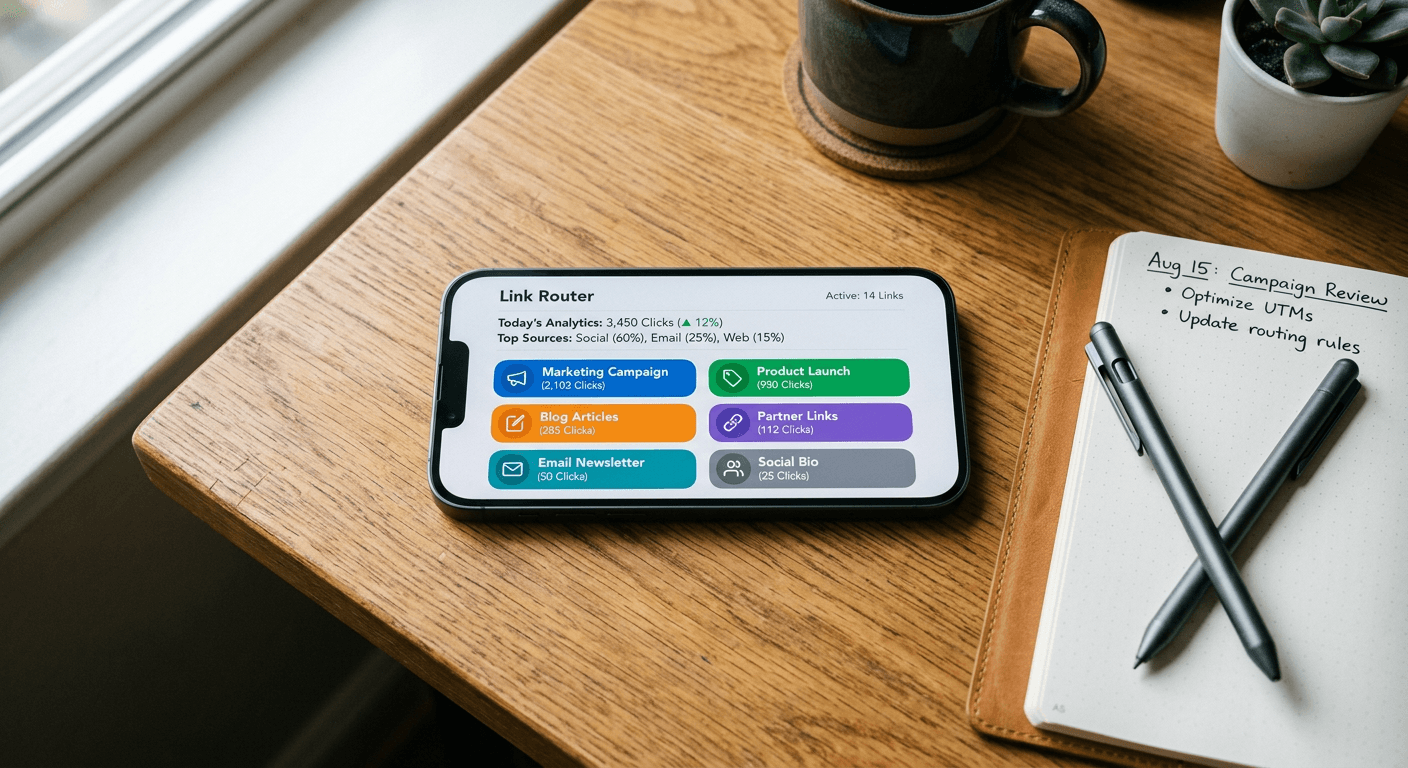
A creator hits 10,000 followers across three distinct social platforms and immediately realizes the single profile URL limit is bottlenecking their storefront. They string together a makeshift landing page to route the incoming traffic, only to watch click-through rates plummet because the resulting page takes four seconds to load and looks completely disconnected from their established brand aesthetic. The assumption that any basic URL redirect will solve this routing problem ignores how heavily social media platforms penalize off-site friction. Selecting a link in bio tool for creators requires measuring page weight, script execution time, and how effectively the chosen software handles integrated checkout flows before the host app's native in-app browser decides to close the active session.
Quick Summary
A link in bio tool for creators is a mobile-optimized landing page designed to consolidate dispersed social media traffic into a single routing hub. Instead of manually swapping profile URLs for every new campaign, practitioners use these platforms to host product storefronts, newsletter signups, and external content links simultaneously, capturing analytics on which specific social channels generate the highest conversion rates.
- Transaction fees on digital product sales dictate the true cost of free software tiers.
- Bundled email marketing limits determine whether a tool operates as a full business hub or just a directory.
- Lifetime pricing models alter the long-term software cost curve for smaller operations.
- Visual layout integrations, like mirroring a social feed, reduce cognitive load for incoming traffic.
Table of Contents
- Why a link in bio tool for creators defines your conversion rate
- Evaluating the Infrastructure
- 1. Linktree
- 2. Beacons
- 3. Lnk.Bio
- 4. Campsite.bio
- Where bundled marketing features become liabilities
- Matching the software to the bottleneck
- Recommended Reads
Why a link in bio tool for creators defines your conversion rate
Routing social media traffic is a technical challenge disguised as a design problem. When a user taps a link inside an application, they do not open a standard mobile browser; they open an in-app browser governed by the parent application's memory limits and tracking scripts. If the destination page fails to render its Document Object Model (DOM) and execute its primary routing buttons within a two-second window, the user abandons the session.
The criteria separating a robust routing platform from a fragile one are strictly mechanical. First is the transaction architecture: platforms that host digital files directly must process payments securely while taking a predetermined percentage of the sale. Second is the integration ceiling: how many auxiliary marketing functions, such as automated emails or artificial intelligence generation credits, the platform bundles before forcing an upgrade. Finally, visual continuity matters heavily. A user migrating from a highly visual feed expects the landing page to mirror that exact spatial arrangement, lowering the friction of locating the product they just saw in a video.
Evaluating the Infrastructure
| Platform | Core Pricing (Monthly) | Digital Product Seller Fees | Core Mechanism | Target Audience |
|---|---|---|---|---|
| Linktree | $0 to $35 | 12% on Free, 0% on Premium | Centralized link routing & native storefronts | Broad creators scaling digital product sales |
| Beacons | $0 to $90 | 9% on Free, 0% on Plus/Max | AI-driven site generation & bundled marketing | Creators seeking consolidated email/AI tools |
| Lnk.Bio | $0 to $0.99 (or $9.99 lifetime) | N/A (Integration dependent) | Mobile-first URL organization & app management | Freelancers prioritizing flat-fee software |
| Campsite.bio | $0 to $24 | N/A (Integration dependent) | Visual grid syncing & advanced analytics | Visually-driven creators needing 1:1 feed mirroring |
1. Linktree
Linktree is a dedicated link-sharing and landing page platform built to manage online presence and route incoming traffic for creators. It functions as the foundational directory layer between a social media profile and a creator's dispersed digital assets, ranging from external websites to internally hosted digital downloads.
The platform operates by generating a lightweight, single-column webview that loads exceptionally fast inside native social media environments. Rather than bouncing users to an external e-commerce platform that might trigger a heavy script load, Linktree can securely host the digital files and process the checkout flow directly on the page. Linktree offers four subscription plans: Free at $0 per month, Starter at $8 per month, Pro at $15 per month, and Premium at $35 per month on monthly billing. For operations with predictable cash flow, billed annually, the effective monthly prices for Linktree's paid plans drop to $6 for Starter, $12 for Pro, and $30 for Premium.
Transaction fees penalize free-tier storefronts
The commercial reality of using Linktree as a storefront lies in its tiered fee structure. The platform charges a seller fee on digital product sales of 12% on the Free plan, 9% on Starter and Pro, and 0% on Premium. A practitioner using a basic linktree for instagram bio placement to sell a $50 digital course on the Free plan surrenders $6 per transaction directly to the platform, independent of standard credit card processing fees.
The honest limit of this system is the margin compression on high-volume, low-ticket sales. If you run a high-traffic storefront, remaining on the Starter or Pro tier mathematically punishes your growth. A creator generating just $400 a month in digital sales on the Pro plan pays $36 in seller fees; at that exact threshold, they are losing money by not upgrading to the $35 Premium plan to secure the 0% rate. The platform has an average user rating of 4.6 stars on G2 based on 96 user reviews, but practitioners must calculate their own break-even point on transaction volume before committing to a specific tier.
- Pros:
- Native digital product hosting reduces external page redirects.
- Annual billing discounts provide measurable overhead reduction.
- Zero percent seller fees available at the highest premium tier.
- Cons:
- A 12% seller fee on the free tier heavily erodes profit margins.
- Advanced analytics require paid subscription levels.
2. Beacons
Beacons operates as an AI-powered creator platform designed to consolidate link routing, digital storefronts, and active outbound marketing tools into a single interface. It serves practitioners who want to collapse their software stack by abandoning disparate email and site-generation tools in favor of a unified dashboard.
The underlying mechanism relies on programmatic data extraction. Upon setup, the system's artificial intelligence scans the user's connected social media accounts, extracts the dominant color palettes, and automatically generates a cohesive landing page layout. From there, it integrates a proprietary email marketing engine directly into the directory. Beacons features four pricing tiers: Free ($0), Creator ($10/month), Creator Plus ($30/month), and Creator Max ($90/month). Beacons applies a 9% seller fee on sales made via the Free and Creator plans, which drops to 0% on Creator Plus and Creator Max.
Bundled marketing limits cap your outreach capacity
Consolidation introduces strict operational ceilings. The Creator plan includes a custom domain that is free for the first year, up to 500 email sends per month, and 300 daily AI credits. A practitioner testing this capability will find that 500 email sends is not 500 subscribers; it is the total volume of messages dispatched. If you have 125 subscribers and email them weekly, you have exhausted your monthly capacity on a $10 plan.
The honest limit here is the inevitable forced migration for successful email marketers. The bundled infrastructure works flawlessly for a starting creator, but the moment the audience scales beyond the strict monthly send limits, the practitioner must either accept a massive leap in subscription costs to the $90/month Creator Max tier or go through the friction of exporting their list to a dedicated external email provider. The platform has an average rating of 4.5 out of 5 stars on Trustpilot, reflecting strong initial utility, but users must treat the marketing suite as an incubator rather than a permanent enterprise solution.
- Pros:
- AI-driven setup drastically reduces initial deployment time.
- Zero percent seller fees on the Plus and Max tiers.
- Bundled custom domain eliminates the need for external registrars in year one.
- Cons:
- Strict 500-send monthly email limit on the entry-level paid plan.
- Custom domain renewal costs apply after the first year.
3. Lnk.Bio
Lnk.Bio is a custom landing page platform explicitly designed to organize and share multiple links from a single URL without attempting to replace dedicated marketing software. It targets freelancers and minimalist creators who require stable, high-capacity link routing without the overhead of bundled e-commerce engines.
The platform's mechanism is rooted in unlimited capacity and mobile-first management. Rather than gating the volume of active links, the system allows users to construct deeply nested directories. Practitioners manage this infrastructure directly from their mobile devices, utilizing native applications rather than relying solely on desktop browser dashboards. Lnk.Bio offers subscription tiers including a Free plan with unlimited links, a Mini tier starting at $0.99 per month, and a Unique tier starting at a one-time purchase fee.
Lifetime purchasing alters the software cost curve
The commercial distinction of this tool is its rejection of the mandatory subscription model. The Mini plan is available for a one-time lifetime purchase of $9.99. In an industry where software-as-a-service (SaaS) fatigue is common, securing permanent routing infrastructure for less than the cost of a single month on competing platforms fundamentally shifts the operational overhead for a small business.
The honest limit of this approach is feature depth. Because the company does not collect a $15 monthly toll from every user, they do not provide the heavy-duty, server-intensive marketing automation or native digital product hosting found in higher-priced suites. If your primary bottleneck is securely hosting large digital files or triggering automated email sequences based on user behavior, a $9.99 lifetime tool will not solve it. The Lnk.Bio app on Google Play has a user rating of 4.60 out of 5 stars based on 1.1 thousand reviews, and the Lnk.Bio app has an average rating of 4.7 out of 5 stars on the iOS App Store based on 148 user ratings, proving it executes its core organizational mandate well, provided you do not demand it perform like an enterprise CRM.
- Pros:
- One-time lifetime payment option eliminates recurring software overhead.
- The free tier allows for an unlimited number of active links.
- Highly rated mobile applications allow for immediate on-the-go edits.
- Cons:
- Lacks the advanced built-in email marketing tools of its competitors.
- Does not natively process complex digital product checkouts.
4. Campsite.bio
Campsite.bio operates as a custom link-in-bio tool providing landing page creation and specialized link analytics tailored heavily toward visually-driven content creators. It bridges the gap between basic text directories and full-scale website builders by focusing on how visual media translates into click-throughs.
The core routing mechanism relies on image mapping rather than isolated text buttons. When a user navigates from a photo-heavy social feed, the platform allows the creator to mirror that exact feed on the landing page, attaching specific destination URLs to individual images. Campsite.bio's subscription options include a Free plan, a Pro plan at $7 per month, and a Pro+ plan at $24 per month. On annual billing, the Pro plan costs $70 USD per year and the Pro+ plan costs $240 USD per year.
Visual layout integration overrides basic text directories
The platform's defining feature is gated behind its first paid tier. The Pro subscription tier unlocks advanced analytics, premium link types, custom domains, and automated Instagram grid integration. This automated grid mechanism continuously parses the creator's connected social feed and dynamically updates the landing page layout to match it, ensuring the user immediately sees the visual prompt that drove them to click in the first place.
The honest limit of this software is audience mismatch. If you are a consultant, a newsletter writer, or an audio-first creator who relies on text-based persuasion rather than visual merchandising, paying for automated grid integration is a waste of capital. The tool is heavily optimized for practitioners selling physical goods, apparel, or highly visual art. If your conversion mechanism is a plain-text signup form, the visual overhead here adds unnecessary page weight. On G2, Campsite.bio has an aggregate rating of 4.2 out of 5 stars based on over 80 reviews, reflecting its strong utility for its specific target demographic while remaining overkill for simple text-based routing.
- Pros:
- Automated grid integration maintains visual continuity from the host app.
- Pro tier unlocks custom domains for strong brand consistency.
- Advanced analytics pinpoint exactly which visual assets drive conversions.
- Cons:
- The core automated grid features require a paid subscription.
- Visual-heavy layouts can increase load times compared to minimalist text pages.
Where bundled marketing features become liabilities
The drive to consolidate software often results in practitioners paying for tools they structurally outgrow within six months. Evaluating an all-in-one platform requires isolating the transaction fees from the subscription costs. A free software tier that takes a 12% cut of every sale is functionally a variable-rate loan against your own revenue; the moment your sales volume crosses a specific threshold, that "free" software becomes the most expensive tool in your stack.
Furthermore, practitioners must measure their actual outbound communication needs before committing to platforms that bundle email marketing. Integrated communication hubs restrict your capacity to segment large audiences and run complex automated sequences. When a platform restricts your outbound capacity to a strict monthly limit, it ceases to be a marketing engine and becomes a simple broadcast tool. Always check whether the platform allows you to seamlessly export your audience data via CSV; if the software locks your customer list inside its own proprietary ecosystem, you are renting your audience rather than owning it.
Matching the software to the bottleneck
Choosing the correct infrastructure depends entirely on identifying where your current traffic drops off. If your primary limitation is overhead costs and you strictly need a digital filing cabinet to organize outbound links without recurring fees, secure a lifetime pricing model and focus on content creation.
Conversely, if your bottleneck is visual disconnect-where users click a product photo on a social feed but cannot find that specific product in a massive text list-you must prioritize software that automates grid integration. Finally, if you are actively monetizing digital downloads, calculate your monthly transaction volume today. If the platform's percentage cut exceeds the cost of a premium flat-rate subscription, pay the monthly fee and protect your profit margins. Do not let the promise of an all-in-one dashboard convince you to utilize an ecosystem that ultimately penalizes your scale.